
Cost per Lead Calculator Down to the Customer
Enter what a campaign cost and what it brought at each stage. See the cost per lead, MQL, SQL, opportunity and customer, and the rate between stages. Free, no sign-up, your numbers stay in your browser.
The calculator needs JavaScript. The formulas are below.
Cost per Lead Is Only the First Stage
Cost per lead divides what a campaign cost by the leads it brought. The same cost divided by MQLs, SQLs, opportunities and customers shows what each stage really costs.
A cheap lead that never becomes an MQL is the most expensive kind. Compare campaigns on cost per SQL or per customer to see which ones fill the pipeline.
The formulas
- Cost per lead = cost ÷ leads
- Cost per MQL = cost ÷ MQLs
- Cost per SQL = cost ÷ SQLs
- Cost per customer = cost ÷ won deals
- Stage rate = this stage ÷ the stage before
Try a Ready Example
Example values to see how the numbers move. They are not benchmarks.
- Example
A Paid Social Campaign
$20,000 brought 400 leads, 160 MQLs, 60 SQLs, 30 opportunities and 8 customers.
- $50per lead
- $125per MQL
- $2,500per customer
- Webinar
$20 per Lead
$6,000 for 300 sign-ups. Three became customers: $2,000 each.
- Trade Show
$140 per Lead
$35,000 for 250 badge scans and five customers: $7,000 each.
- Just Starting
Two Numbers Are Enough
Cost and leads give the cost per lead. Add MQLs and SQLs when you have them.
- Two Stages
Leads and MQLs
$12,000 for 600 leads and 120 MQLs: $20 per lead, $100 per MQL.
Get the Counts From Salesforce
One campaign, one period, the same people at every stage.
- 1
Take the Cost
The campaign’s Actual Cost in Salesforce, or the ad report plus tools, people and agency.
- 2
Count the Leads
New campaign members in the period: a Salesforce report on campaign members, filtered by created date.
- 3
Count MQLs and SQLs
From your lead status, or the lifecycle report in Account Engagement (Pardot): it counts an MQL when a prospect is assigned to a user and an SQL when an opportunity is created.
- 4
Count Opportunities and Customers
The campaign’s Opportunities in Campaign and Won Opportunities in Campaign fields. Then calculate here.
Cost per MQL Needs Lead Scoring You Trust
Cost per MQL only means something when MQL means the same every month. In Pardot that is a score and grade threshold plus an assignment rule, written down and agreed with sales.
We set up scoring and campaign reporting, so the counts behind every stage come out of Salesforce the same way each time.
- Score and grade thresholds sales agrees with
- A lead status that marks MQL and SQL
- Campaign reports by stage
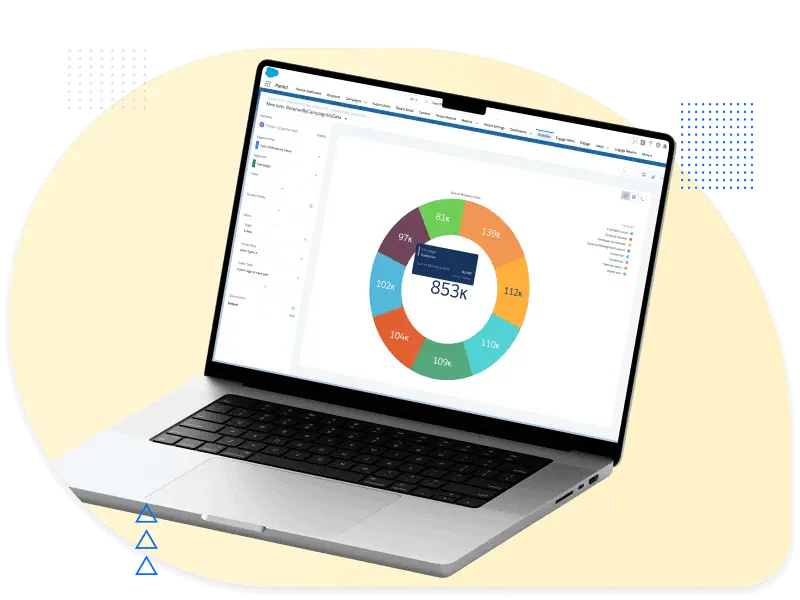 Cost per StageLead to Customer
More Free Tools
Cost per Lead Calculator FAQ
Short answers to what people ask about cost per lead.
How do I calculate cost per lead?
Divide the campaign’s total cost by the leads it brought in the same period: $20,000 ÷ 400 leads = $50 per lead.
What counts as cost?
Everything the campaign needed: media, the tools’ share, the people who ran it and agency fees. With media alone, cost per lead looks lower than it is.
What is a good cost per lead?
One your later stages pay for. Published averages vary by channel and industry and rarely say what counted as a lead.
Work back from your deal value instead: if one in 50 of your leads typically becomes a customer, a lead can cost at most a fiftieth of what a customer is worth to you.
Why is cost per MQL more useful?
Leads include students, competitors and job seekers. MQLs are the ones your scoring says are worth sales’ time, so cost per MQL compares campaigns on leads that count.
What is the difference between CPL and CPA?
CPL is the cost per lead. CPA, cost per acquisition, is the cost per customer, or per conversion in ad platforms. The calculator shows both: the first line and the last.
Are my numbers stored?
No. The calculator runs in your browser. Nothing you enter is sent to us or to analytics. The share link keeps the numbers after the #, a part of the address browsers never send to a server.
We Make Salesforce Marketing Work for You
Talk to a certified consultant, not a salesperson, and leave the first call knowing your next step.